¶ 1 前言
本页为
CAN介绍
¶ 2 查看节点
- 查询当前网络设备
$ ifconfig -a
can0: flags=128<NOARP>  mtu 16
        unspec 00-00-00-00-00-00-00-00-00-00-00-00-00-00-00-00  txqueuelen 10  (UNSPEC)
        RX packets 0  bytes 0 (0.0 B)
        RX errors 0  dropped 0  overruns 0  frame 0
        TX packets 0  bytes 0 (0.0 B)
        TX errors 0  dropped 0 overruns 0  carrier 0  collisions 0
        device interrupt 71

......
- CAN启动:
# 关闭CAN:
$ ip link set can0 down
# 设置比特率500KHz:
$ ip link set can0 type can bitrate 500000
# 打印can0信息:
$ ip -details -statistics link show can0
# 启动CAN:
$ ip link set can0 up
- CAN发送:
# 发送 标准帧,数据帧
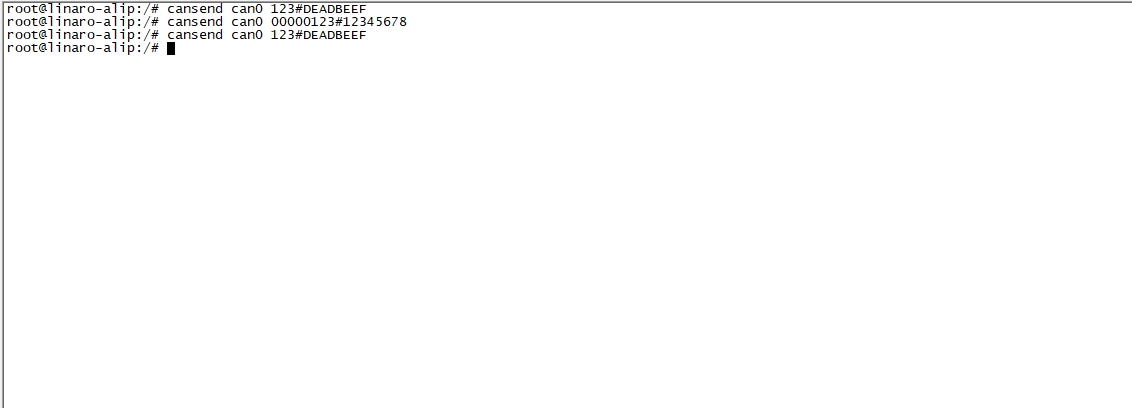
$ cansend can0 123#DEADBEEF
# 发送 标准帧,远程帧
$ cansend can0 123#R
# 发送 扩展帧,数据帧
$ cansend can0 00000123#12345678
# 发送 扩展帧,远程帧
$ cansend can0 00000123#R
- CAN接收:
$ candump can0
¶ 3 Can 通讯
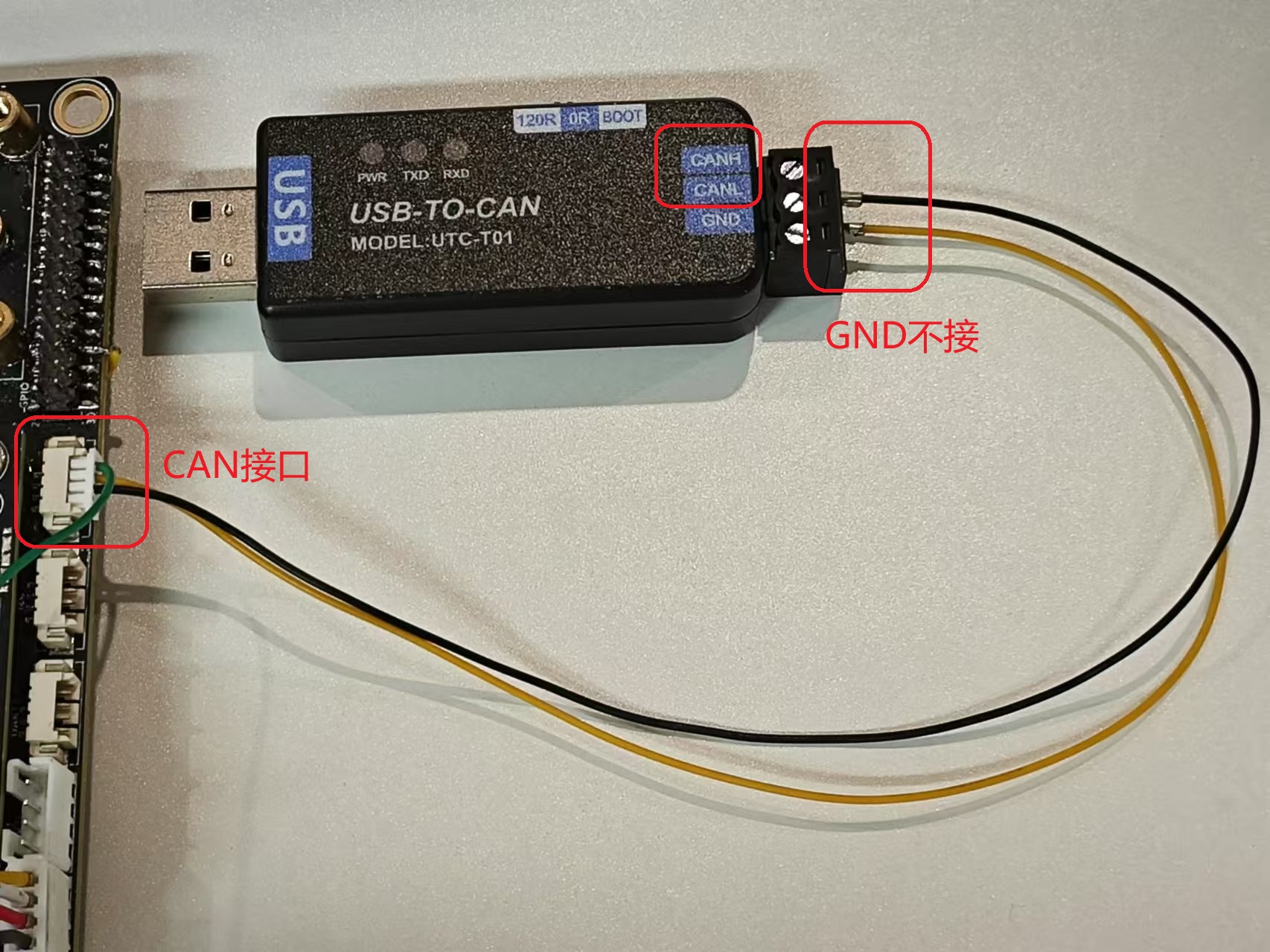
¶ 3.1 硬件连接
具体以读者使用的模块为准
- USB一端接在PC电脑端
¶ 3.2 收发
¶ 3.2.1 youyeetooRJ 接收数据
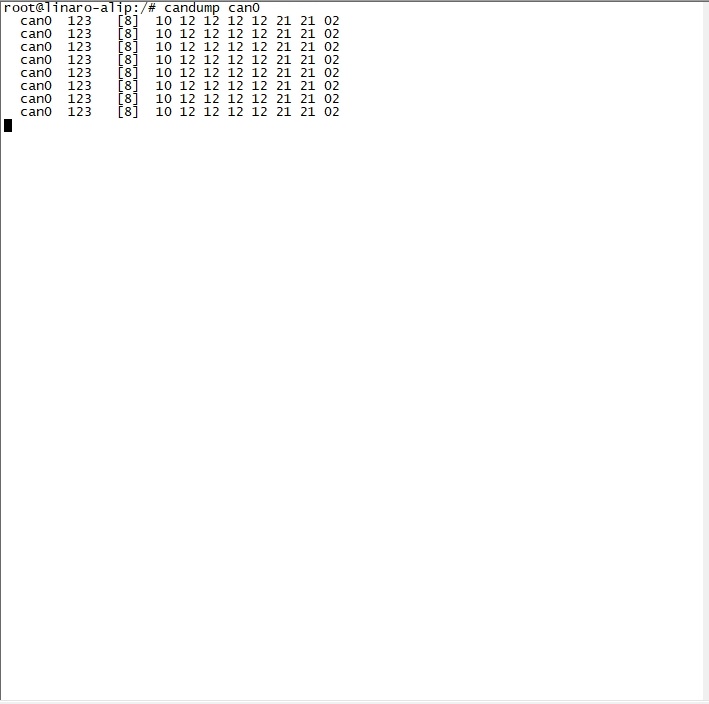
- 板端接收
$ candump can0
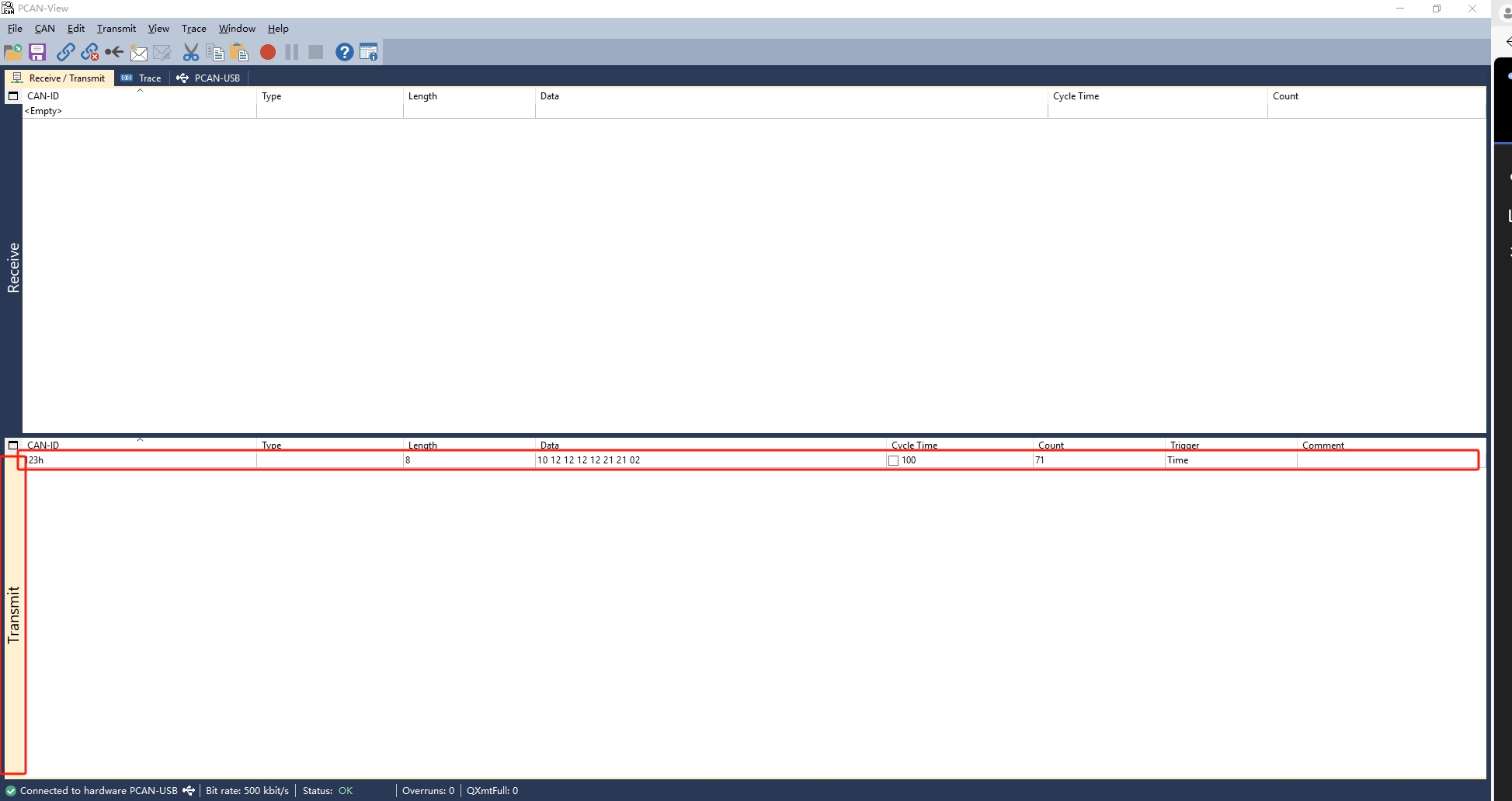
2. PC端发送
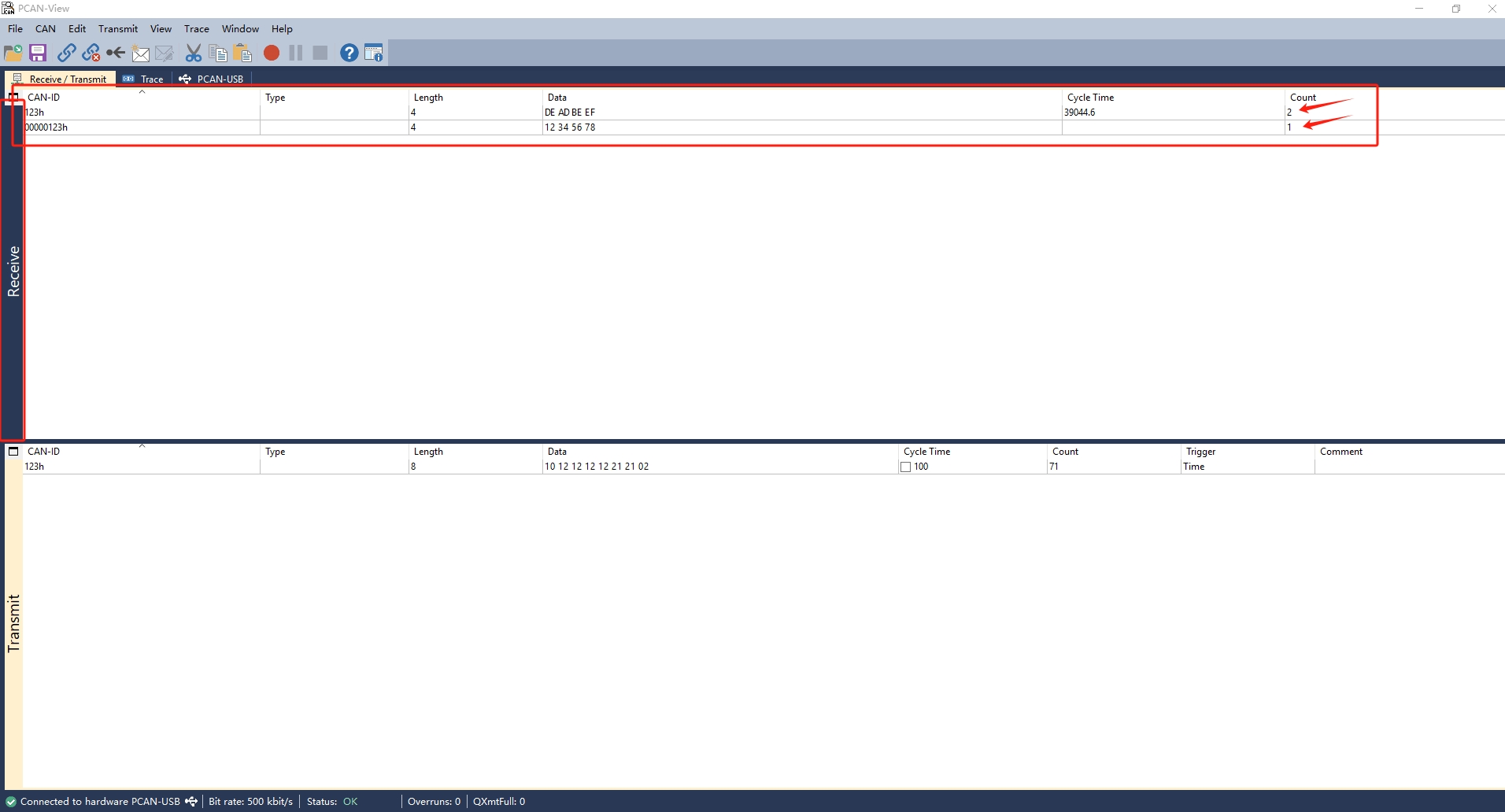
¶ 3.2.2 youyeetooRJ 发送数据
- 板端发送
# 发送 标准帧,数据帧
$ cansend can0 123#DEADBEEF
# 发送 标准帧,远程帧 (演示模块不支持远程帧,这里不做演示)
$ cansend can0 123#R
# 发送 扩展帧,数据帧
$ cansend can0 00000123#12345678
# 发送 扩展帧,远程帧
$ cansend can0 00000123#R
2. PC端接收